
Replay an Entire Workday in Minutes
Work Replay is workday monitoring software that transforms employee screenshots into a chronological activity timeline — giving managers complete workforce visibility, verified work evidence and faster investigations from a single screen.
Reviewing hundreds of screenshots shouldn't take hours
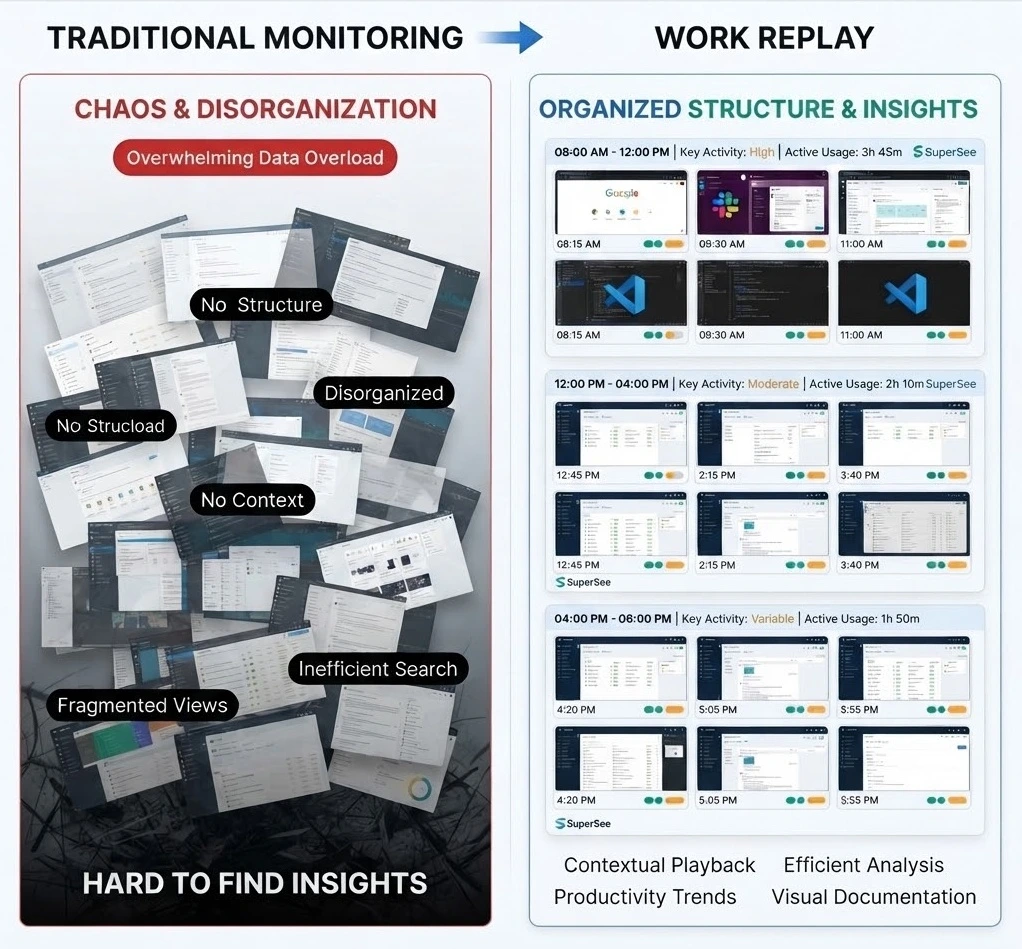
Traditional screenshot monitoring generates large volumes of screenshots that can be difficult to review and analyze. Managers often struggle to:
A complete visual reconstruction of every workday
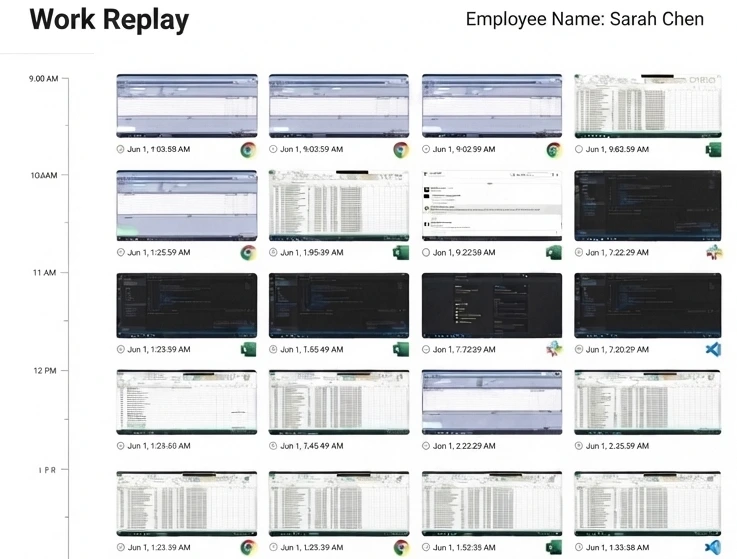
Work Replay automatically organizes employee screenshots into a chronological sequence. Instead of viewing isolated screenshots, managers see the complete workflow and context behind every activity.
Visual Timeline
See every employee's day plotted on an interactive, color-coded timeline.
Chronological Screenshot View
Browse workday captures in the exact chronological order they happened.
Employee & Date Filters
Narrow down records to any team member, specific date range, app, or hour instantly.
Work Verification
Confirm reported tasks and billable hours against structured visual work evidence.
Historical Review
Replay any past workday timeline quickly for security audits, coaching, or verification.
Centralized Activity Visibility
All employees and all workday logs unified in one searchable, secure workspace.
What can you do with Work Replay?
A complete employee workday replay toolkit — designed for clarity, speed and trust.
Replay a complete workday
Review an employee's full workday through a chronological screenshot timeline.
Filter by employee, date & time
Narrow Work Replay down to any individual, team, single date or custom range.
Investigate productivity gaps
Spot workflow interruptions, idle stretches and bottlenecks in seconds.
Verify completed work
Confirm deliverables with visual evidence captured throughout the day.
Review historical activities
Open any past workday without sifting through individual screenshots.
Understand work progression
See how a task evolved from kickoff to completion with chronological context.
Analyze patterns & trends
Surface recurring patterns, peak focus windows and behavioral trends.
Power performance reviews
Walk into 1:1s with concrete examples of activity, focus, and impact.
See every workday come together
Explore each annotated workday timeline capability in the SuperSee workspace.
Activity Stream Timeline
Color-coded chronological intervals mapping active vs idle time.
Workday Replay Thumbnails
Hover over timeline thumbnails to review screenshot logs in large previews.
Activity Metric Annotations
Tracks total active hours and productivity percentages automatically.
Why teams love Work Replay
Built to give every manager faster answers and every team member more transparent recognition.
Review Entire Workdays
Understand employee activities across the entire day without reviewing screenshots individually.
Verify Completed Work
Confirm work completion using visual evidence captured during working hours.
Investigate Productivity Gaps
Quickly identify periods of inactivity, interruptions or workflow bottlenecks.
Improve Accountability
Create greater transparency and ownership across teams.
Simplify Internal Reviews
Review employee activity records efficiently during audits or discussions.
Explore More SuperSee Features
Productivity Trends
See what is changing across your workforce over time.
Learn more →Live Monitoring
See real-time workforce activity as it happens.
Learn more →Apps & Websites Utilization
Track how teams spend time across tools and websites.
Learn more →Automated Timesheets
Accurate timesheets generated automatically from activity.
Learn more →Get Complete Visibility with Work Replay
Replay employee workdays, analyze timelines, verify work activity, and gain actionable productivity insights.