Tray icon on by default
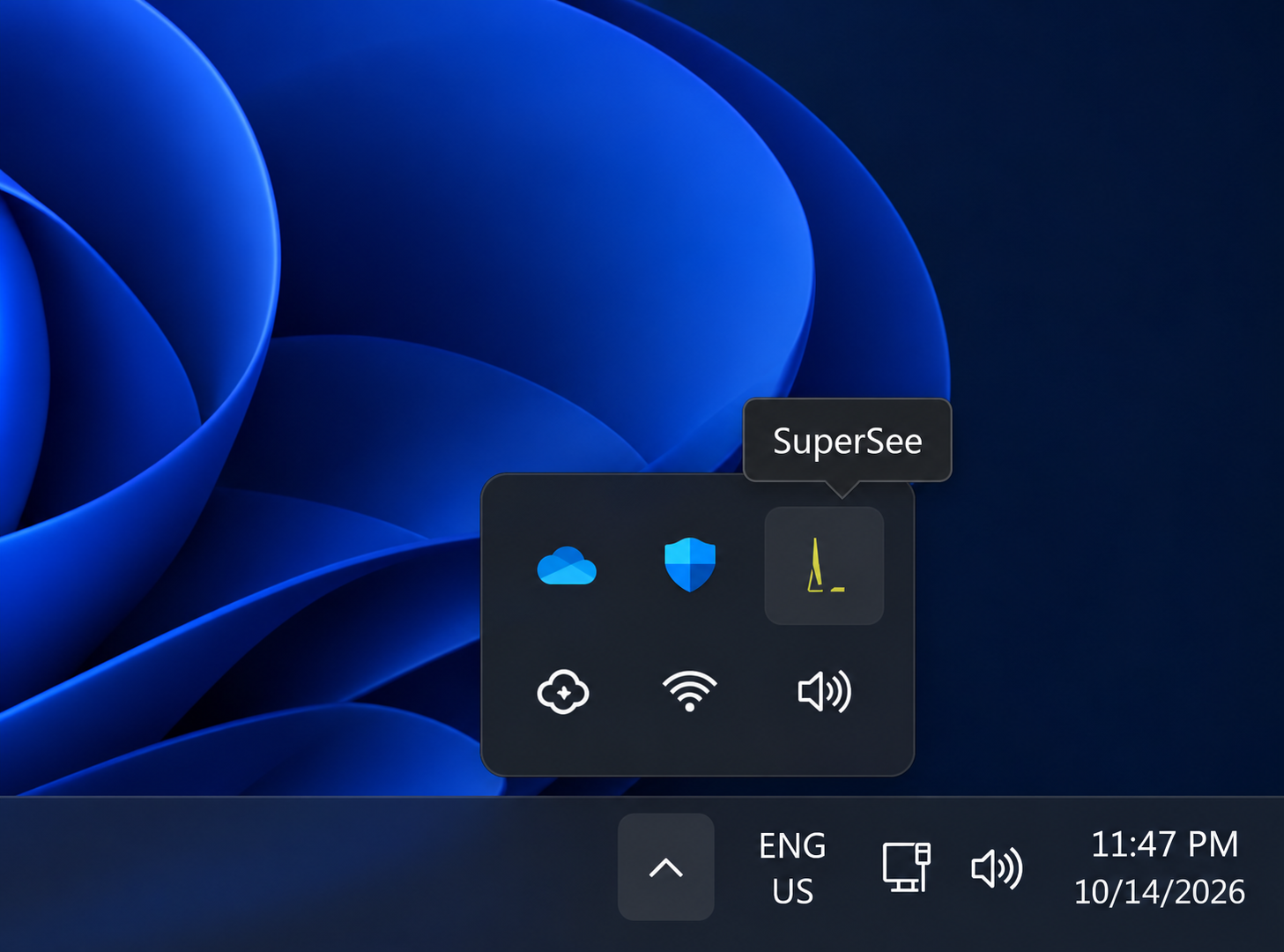
People can see SuperSee is running. Monitoring is not meant to be hidden.

Apps, websites, and active time from work computers—so you can see where the team’s time went, why the same people keep staying late, and whether hiring pressure is real before you promise another revision. Optional screenshots when you need the visual context.
14-day free trial on Professional · Up to 5 employees · No credit card · Installs in under 2 minutes
On your phone? Create your account now and email yourself the computer setup link.
For teams of 15–100 · View pricing
Windows · macOS · Linux
Used by teams at



Each one starts with a management question. SuperSee shows what was open on the computer; your brief, estimate, and conversation still decide what gets billed.
Client calls, internal reviews, and late design passes often never get logged, so the project looks healthier than it is.
Question: When the project looked fine, what was actually open late?
When you cannot see every desk, the next urgent request often lands on whoever answered last on WhatsApp.
Question: Whose recorded hours keep extending beyond their usual day?
The client asks for “one more option.” You agree while the estimate and yesterday’s recorded day are still closed.
Question: Have I reviewed yesterday before I promise more work?
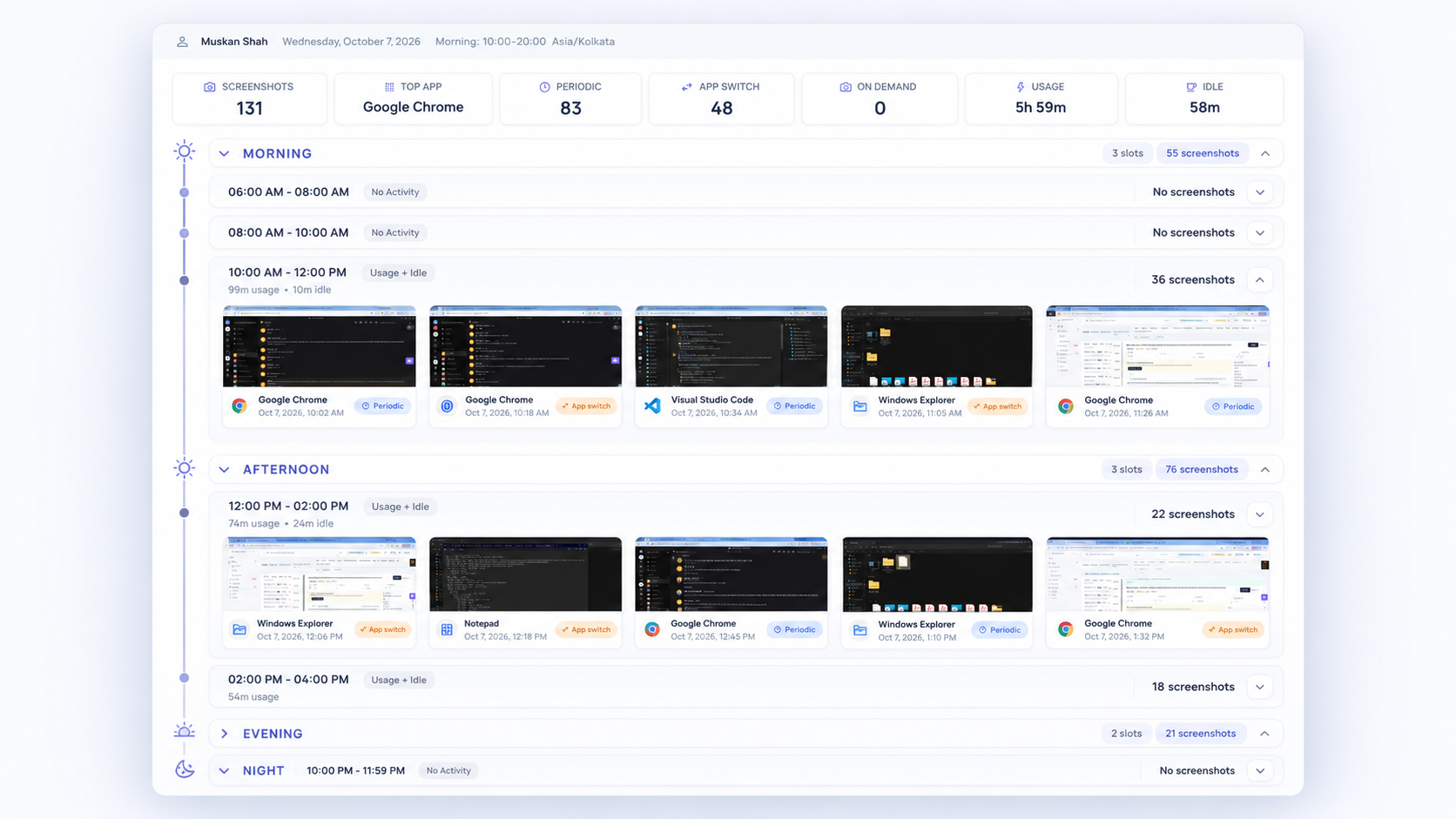
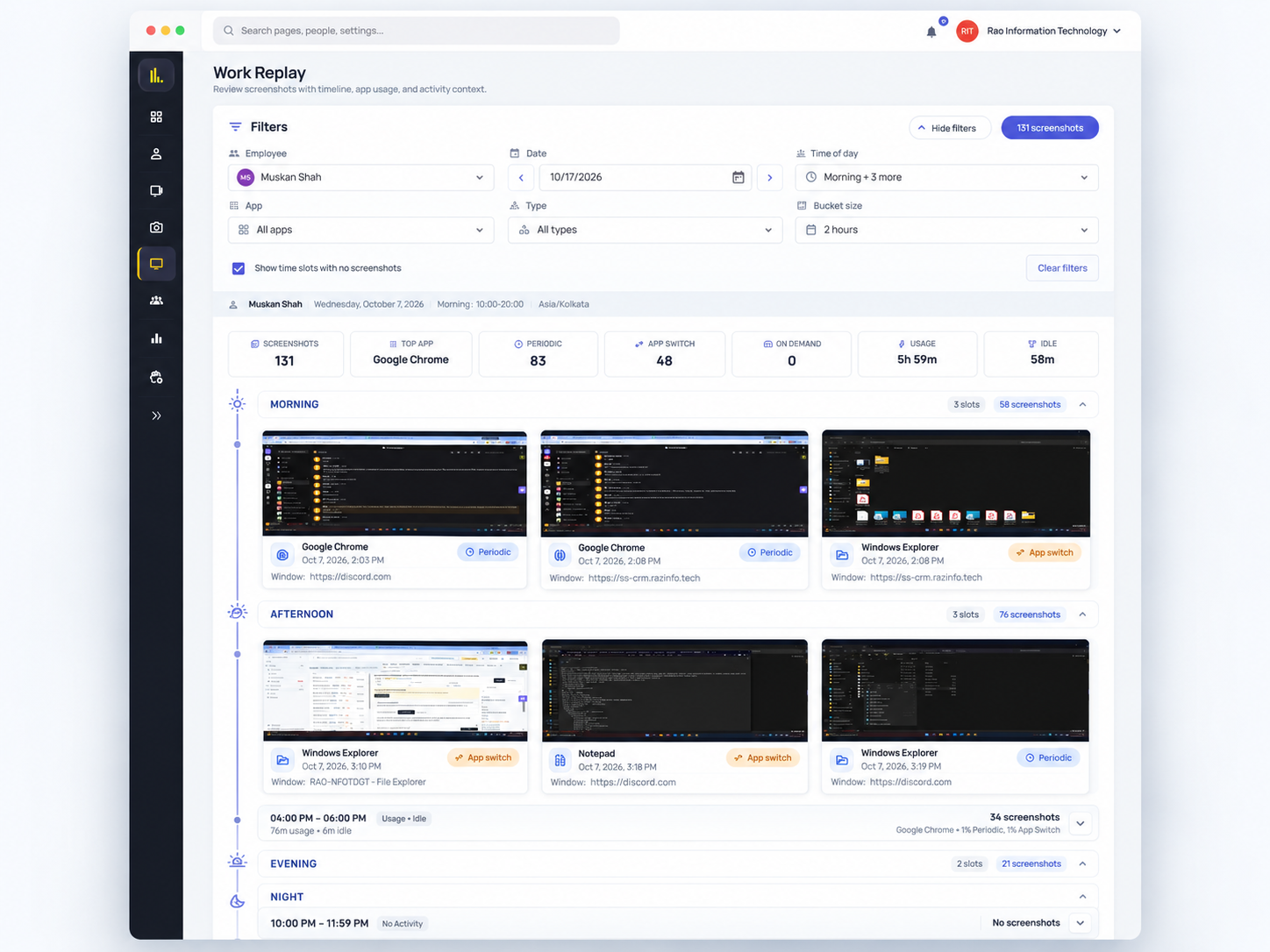
When a client asks for one more option, do not answer from memory. Pick the person, open Work Replay for that day, and keep the estimate beside it.
Start with the designer or account manager who owns the request—not the whole agency at once.
Review app timelines and active durations. Optional screenshots show selected moments—not the full cause of a delay or the quality of the work. Turn them off if an NDA bans them; the app/web timeline remains.
“I see Figma was open late. Was that a new option for this retainer, or another pass on the work we already sold?”
Your project tool still holds the client and task. A person still decides what to log and bill.
“The most helpful feature is the ability to monitor all systems in one place. It gives us better visibility, makes it easier to track everything, and helps ensure nothing is missed.”
“The time tracking feature is highly accurate and simple to use, while the reporting tools provide clear, actionable insights for analysing productivity and project progress.”
Know what a normal day looks like for each person. Notice when late hours repeat versus their own baseline. Then check before you assign the next revision—not proof that someone else has spare capacity.
Compare people to their usual pattern. Repeated late hours are a reason to ask—not proof of free capacity elsewhere.
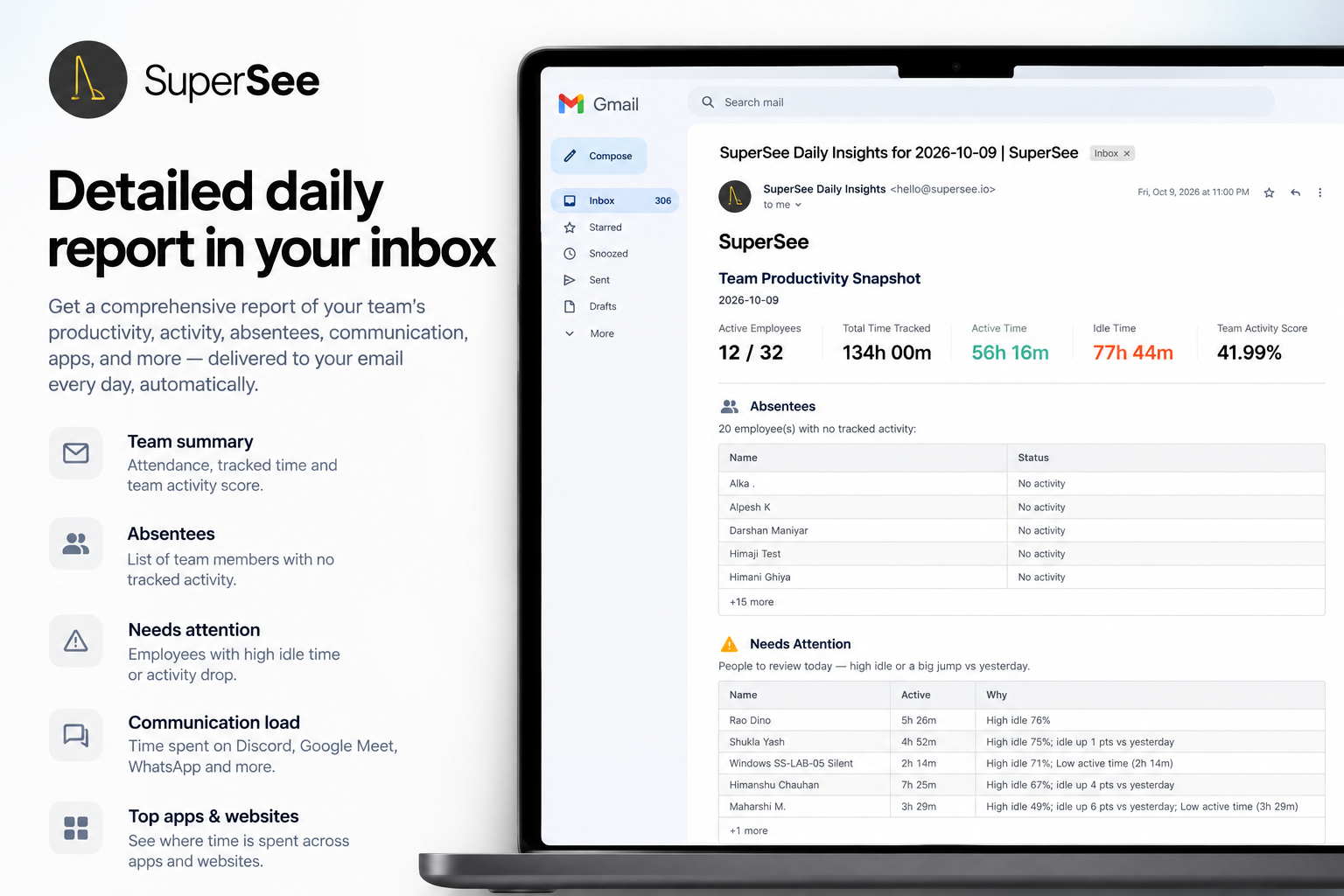
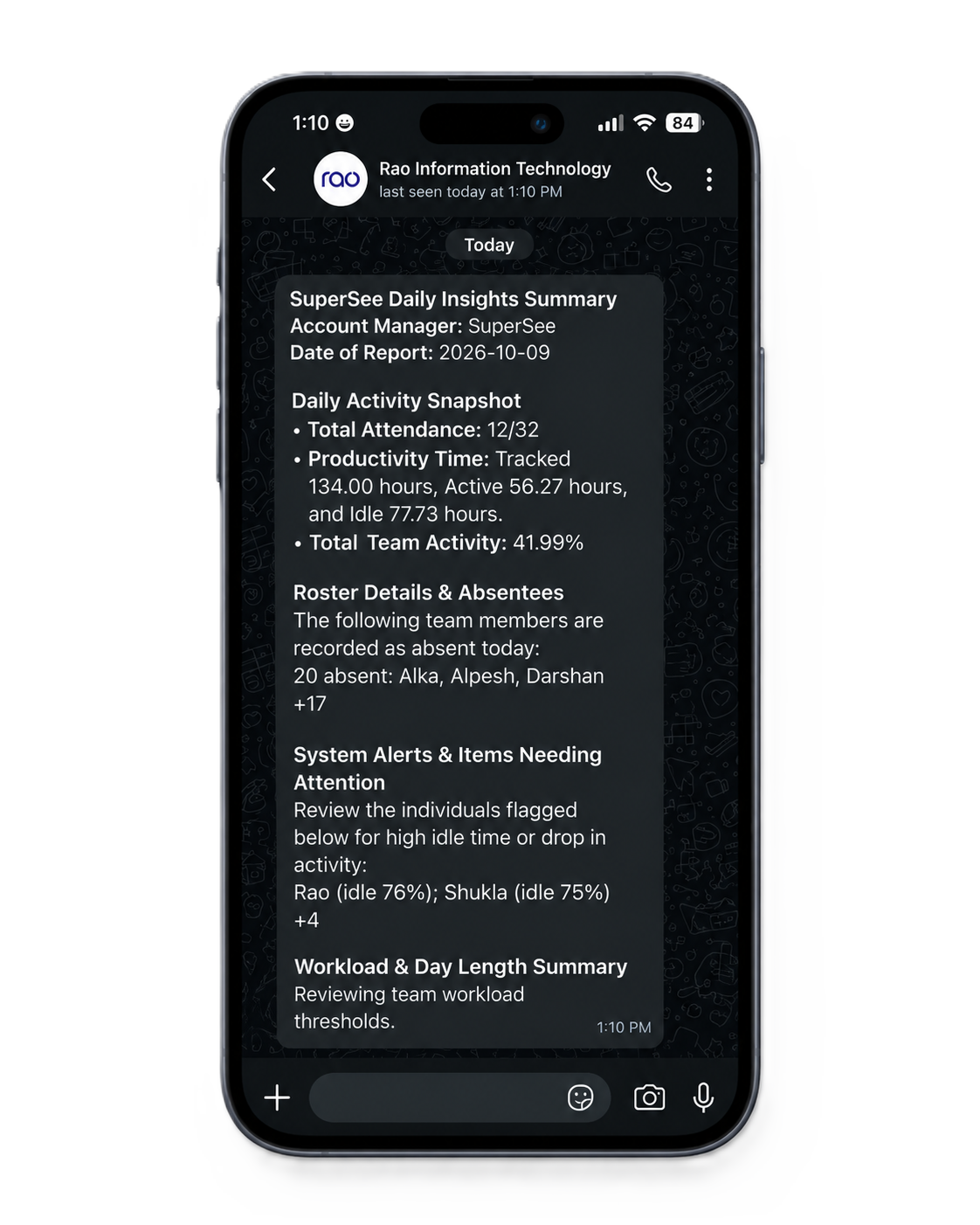
Every morning, before your first call, yesterday’s full day reaches your phone: a short summary on WhatsApp, the details by email. You decide what to open, instead of opening everything.
“The daily summary is concise while still providing complete details of the day's activities.”
New Raj I. · Verified review
Be clear on day one: what SuperSee records, when it runs, who can view it, and that you will use it to review delivery—not to surprise people.
“We are adding SuperSee so we can see where the day went before we promise the client another revision. You can see the tray icon. Screenshots can stay off. Hours stay inside the agency—we do not paste them into client chats.”
People can see SuperSee is running. Monitoring is not meant to be hidden.
Turn them off for strict NDAs. You still get hours, the app and website timeline, and daily email or WhatsApp summaries.
Managers see the employee teams you set up—not automatic access by client account name.
Screenshots or live view can still show what is on screen—turn those off when a client or policy requires it.
You run several client projects. You need useful context before you assign more work or make another commitment.
Look at one day you already know. No one else needs to be invited yet.
Explain what is captured and who can view it. Capture starts after setup; prior days cannot be backfilled.
Open recorded days beside your estimate before you reply to the next client request.
Clear answers on privacy, project tools, and team agreements.
Explain what is captured, when tracking runs, who can view it, and that managers will use it to review delivery—not surprise people. Keep the tray icon on by default. Limit access to the employee teams you configure. Screenshots can stay off.
No. SuperSee shows recorded apps, websites, and timelines. It does not know which client or task the work belongs to—you still read that from your project tool, the estimate, and a short conversation with the person. A person still decides what to log and what to bill.
Yes. Turn screenshots off. You still get hours, the app and website timeline, timesheets, and daily email or WhatsApp summaries. Same plan, same price. When screenshots stay on, they show selected moments for context—not proof of work quality or the full cause of a delay.
Yes. App and website usage shows who keeps using a tool after launch—AI, CRM, project software, or a new process—and whether use fades after the announcement. That helps you adjust training or workflow earlier. Usage shows adoption habits; it does not prove records are complete or that output improved.
A vague brief, a client who keeps adding work, or weak scope conversations. SuperSee shows extra time on the computer—it will not stop a client from asking for more revisions.
No. SuperSee does not record microphone audio, keystrokes, or deliberate passwords. If screenshots are active, they capture whatever is on screen, so toggle them off whenever client sensitivity requires it.
“SuperSee helped us uncover the real problem: uneven work allocation. Now the team works more efficiently, and we’ve grown without overburdening anyone.”
You asked, we built it. Reviewers asked for the daily report on WhatsApp and a faster install. Both are live: WhatsApp summaries on every plan, and an agent under 10 MB that installs in under 2 minutes.