How to Monitor Employee Screens for Compliance & Training (The Smart & Ethical Way)
Monitoring employee screens isn’t about surveillance anymore, it’s about building trust, maintaining compliance, and improving training. Organizations can monitor employee activity silently and ethically, without recording videos or invading privacy. SuperSee captures essential insights such as active time, app usage, idle periods, and privacy minded screenshots, giving you the full compliance picture while empowering employees to grow.
Why Screen Monitoring Matters for Modern Teams
Screen monitoring helps companies ensure data security, maintain compliance, and identify opportunities for training, all while minimizing manual tracking.
How to Track Employee Computer Activity for Compliance Audits
Organizations often ask, “How do I track employee computer activity for compliance audits without micromanaging?” Follow this 5-step checklist to ensure your data is audit-ready:
- Define the Monitoring Scope: Clearly identify which apps and URLs are relevant to compliance (e.g., banking portals, CRM, internal databases).
- Update Employee Handbooks: Ensure your IT policy explicitly mentions that activity is monitored for security and audit purposes.
- Deploy a Privacy-First Tool: Use a solution like SuperSee that captures behavioral data and “privacy-minded” screenshots rather than continuous video recording.
- Set Up Automated Compliance Logs: Eliminate manual spreadsheets. Automate the generation of daily activity timelines that show exactly when sensitive apps were accessed.
- Conduct Weekly Training Reviews: Use the data to spot “compliance gaps” areas where employees may be struggling with secure workflows and address them in 1-on-1 sessions
- See how screen monitoring supports audit-readiness: Learn more about SuperSee’s employee monitoring use cases
The Role of Workplace Privacy in Employee Monitoring Training
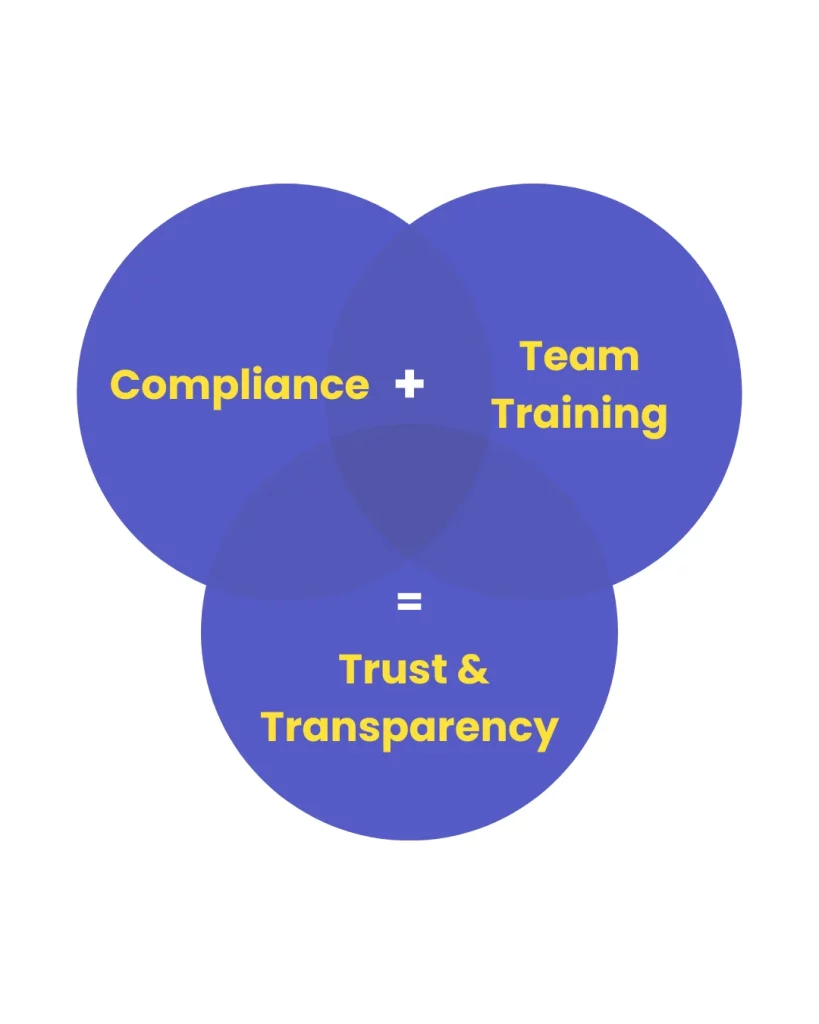
Effective workplace privacy and monitoring training starts with transparency. When employees understand that data is used for growth rather than gotcha moments, trust increases.
How to use monitoring data for 1-on-1 coaching:
Objective Feedback: Instead of saying “You seem distracted,” managers can say, “I noticed the CRM workflow is taking longer this week do you need a refresher on the new update?”
Identify Workflow Bottlenecks: If the data shows a team spends 4 hours a day on a specific complex task, it’s a sign they need more technical training, not a sign of laziness.
Recognize “Power Users”: Use SuperSee’s analytics to identify top performers and turn their efficient workflows into a “Best Practices” manual for the rest of the team.
LinkedIn Workplace Learning Report, emphasizes how analytics-driven insights improve employee development.
Legal Aspects of Employee Monitoring: A Comparison
To stay compliant with the DPDP Act (India) and GDPR, you must distinguish between productivity tracking and privacy invasion.
What’s Legally Allowed in India and Globally
Monitoring employee activity is legal when:
- Employees are informed
- Data is used for compliance or productivity improvement
- Sensitive content (like emails or passwords) is masked
🔗 References:
How to Implement Monitoring Without Micromanagement
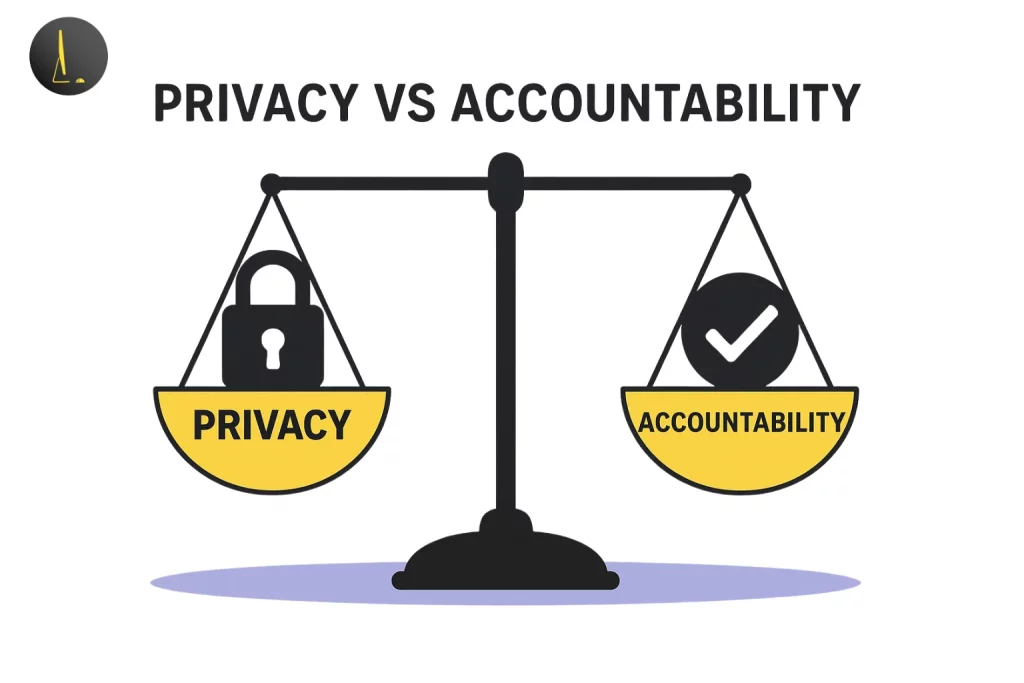
Ethical monitoring encourages accountability, not anxiety.
Best Practices:
- Clearly communicate your monitoring policy
- Focus on outcomes, not time spent
- Use tools that keep employee privacy intact
Legal Aspects of Employee Monitoring: A Comparison
To stay compliant with the DPDP Act (India) and GDPR, you must distinguish between productivity tracking and privacy invasion.
| Features | Legally Allowed (Ethical) | Privacy Violation (Unethical) |
|---|---|---|
| Informed Consent | Written policy signed by the employee. | Hidden “spyware” installed without notice. |
| Data Scope | Tracking work-related apps and URLs. | Accessing personal bank logins or social media. |
| Screen Capture | Periodic screenshots for audit trails. | Continuous video recording of the screen. |
| Usage Time | Tracking activity during official work hours. | 24/7 monitoring on personal devices. |
How SuperSee Simplifies Screen Monitoring for Compliance & Training
SuperSee goes beyond traditional screenshot-based tracking, it helps you understand work behavior through secure analytics, not recordings.
Choosing an Ethical Employee Internet Monitor for Compliance
Not all monitoring tools are equal. An effective employee internet monitor should focus on high-level behavioral analytics. SuperSee allows you to categorize web usage into “Productive,” “Neutral,” and “Unproductive,” giving you a clear view of how time is spent without needing to snoop on every individual click.
Automatic, Real-Time Activity Monitoring
SuperSee silently captures employee activity in real-time, tracking app usage, idle time, and work sessions automatically.
Learn more about automatic time tracking
Screenshots & Privacy Protection
SuperSee’s screenshots ensure that confidential data never leaves the employee’s system.
- No video recording
- No personal data exposure
- 100% privacy-compliant
Centralized Dashboard for Compliance & Training
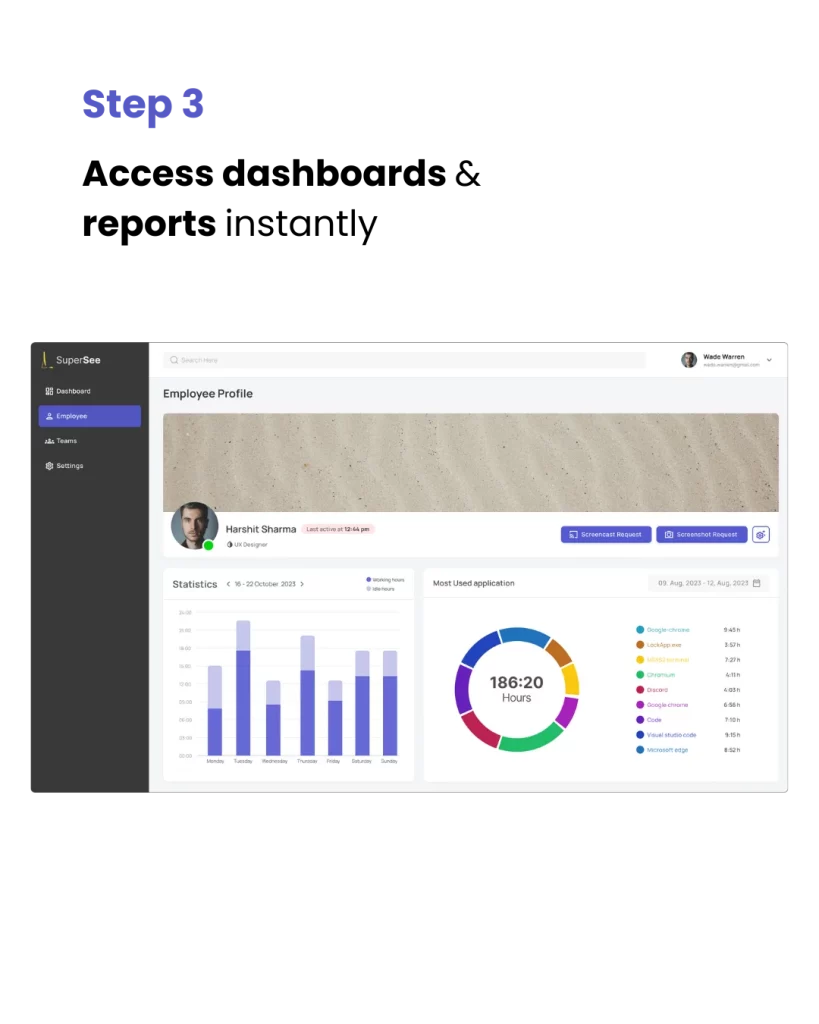
From one dashboard, managers can:
- Review active/inactive timelines
- Analyze app usage patterns
- Generate reports for compliance audits or coaching
Benefits Beyond Compliance
When implemented right, screen monitoring fosters trust, growth, and accountability.
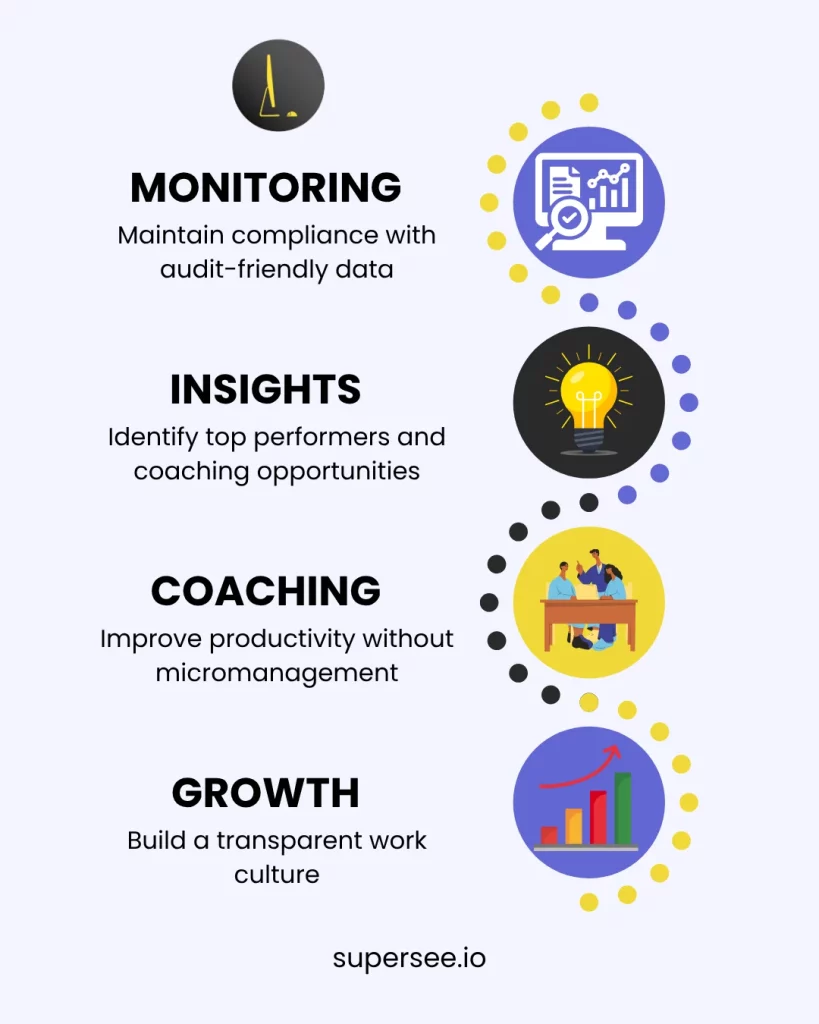
- Maintain compliance with audit-friendly data
- Identify top performers and coaching opportunities
- Improve productivity without micromanagement
- Build a transparent work culture
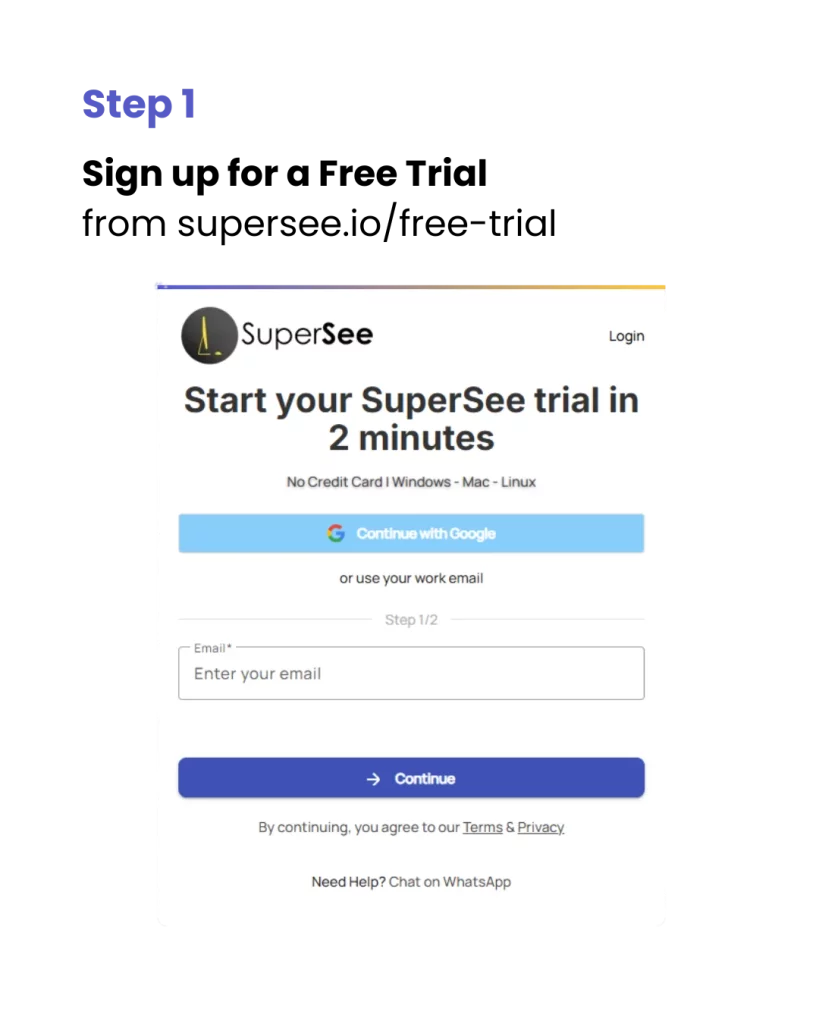
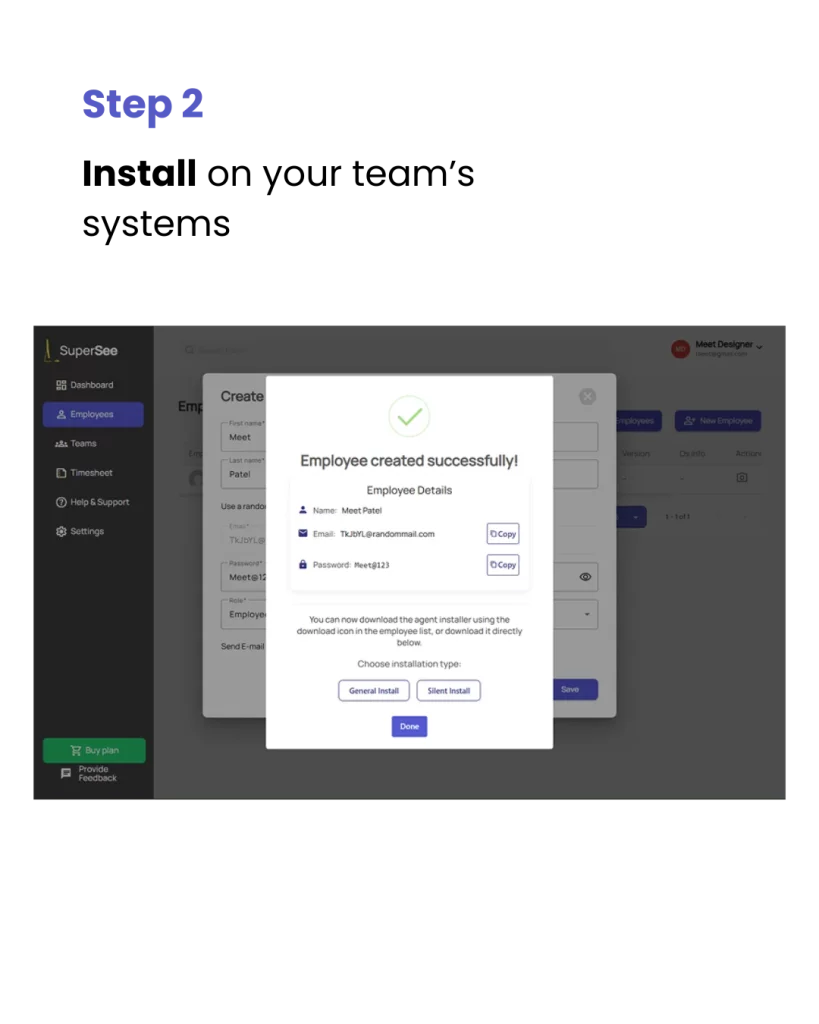
How to Start Screen Monitoring with SuperSee
Setting up SuperSee takes only a few minutes, no manual tracking or video recording required.
Monitor ethically. Train smarter. Stay compliant.
Real Example – How a CA Firm Improved Compliance with SuperSee
A mid-sized CA firm struggled with manual time logs and compliance tracking. After switching to SuperSee:
- They automated all compliance activity logs
- Managers gained visibility into real-time work hours
- Training sessions were guided by factual productivity insights
➡️ Read case study: CA Firm Productivity Success Story
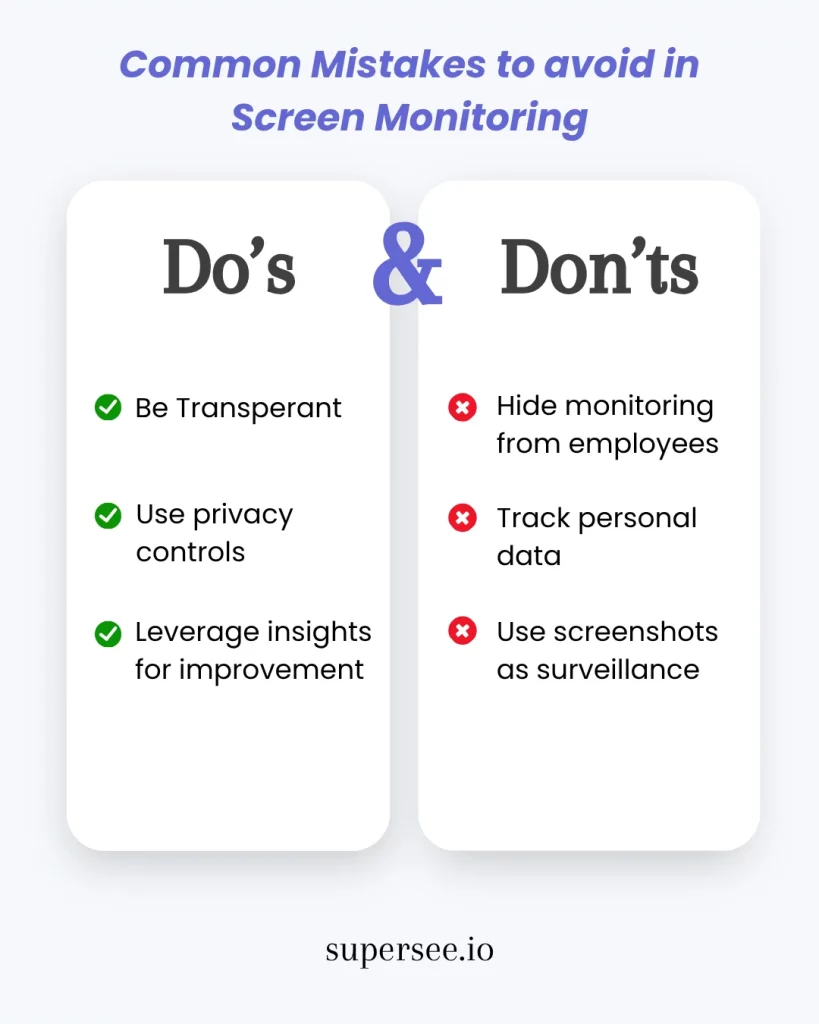
Common Mistakes to Avoid in Screen Monitoring
Final Thoughts
Monitoring doesn’t have to feel invasive, when done right, it’s a compliance and coaching tool that promotes transparency.
SuperSee empowers your organization to:
- Maintain compliance effortlessly
- Train employees using real productivity insights
- Create a culture of trust and performance
Ready to experience it yourself?
FAQ’s
Yes, employee screen monitoring is legal in India under the Digital Personal Data Protection Act (DPDP). Employers must have a “lawful purpose” (such as productivity or security) and provide clear notice to employees. Using a privacy-first tool like SuperSee ensures you meet these legal transparency requirements.
SuperSee’s activity insights and timelines show how employees work, helping managers design personalized coaching programs.
No. SuperSee does not record or store video footage. It tracks productivity silently, and behavioral analytics to ensure privacy.
Unlock Advanced Employee Monitoring with SuperSee!
Start your 14-Day free trial now
Explore our features like real-time activity monitoring, customizable alerts, and detailed productivity reports.