Screen Monitoring Software Explained – Why It’s More Than Just Screenshots
The “Screenshot Trap”: Why 43% of Employees Feel Monitored, Not Managed.
Recent studies show that invasive surveillance like random, constant screen grabbing can lead to a 2x increase in workplace stress and a significant drop in employee morale. In the age of remote work, “productivity paranoia” is real. But what if monitoring wasn’t about “catching” people, but about empowering them?
Most companies use screen monitoring the wrong way. Here is how to use it the right way focusing on ethical visibility that builds trust rather than breaking it.
What is Screen Monitoring Software?
Screen monitoring software is a productivity tool used by organizations to gain visibility into how work happens on digital devices. Unlike traditional “tattleware,” modern screen monitoring focuses on capturing activity trends, app usage, and active hours to help managers and remote teams optimize workflows.
In a professional setting, screen monitoring means:
- Contextual Visibility: Seeing which applications (like Slack, Excel, or VS Code) consume the most time.
- Activity Benchmarking: Understanding the difference between “active focus” and “idle time.”
- Workload Balancing: Identifying employees who are over-tasked or struggling with process bottlenecks.
The Old View – When Monitoring Meant Just Screenshots
Not long ago, monitoring meant taking random screenshots of employee screens, often causing more anxiety than accountability.
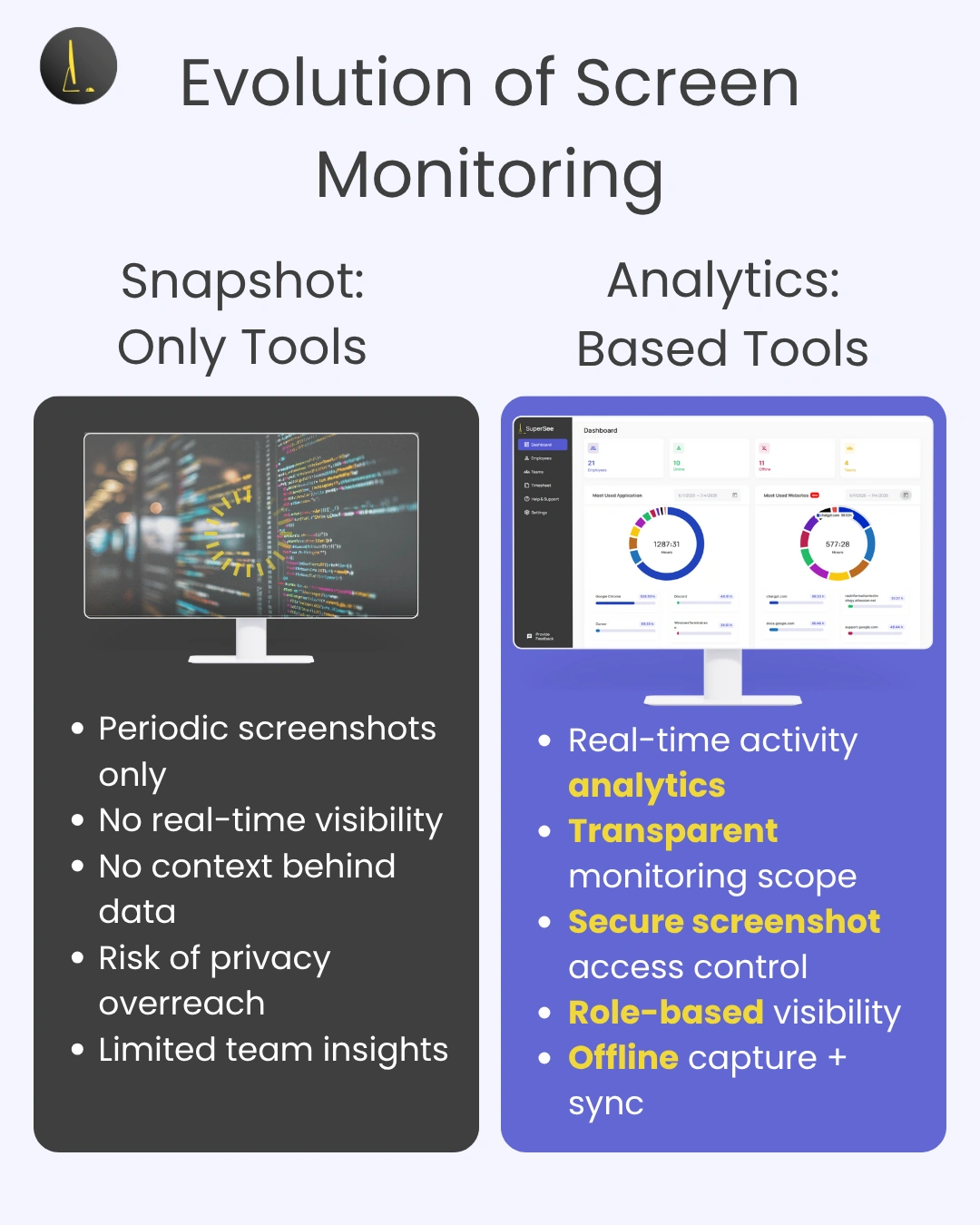
Static images tell what was on screen, but not why or for how long. Tools that relied solely on screenshots missed context, such as idle time, app switching, and offline tasks.
See how over-monitoring backfired: Wired – Remote Working Means the Rise of Productivity-Tracking Tattleware.
Why Screenshots Alone Fall Short
Screenshot-only monitoring creates noise without insight. It can’t differentiate between active focus and multitasking or show how work unfolds across apps.
Modern software goes beyond snapshots, tracking focus time, app usage, and active hours, to help teams make sense of performance.
What Modern Screen Monitoring Software Really Does
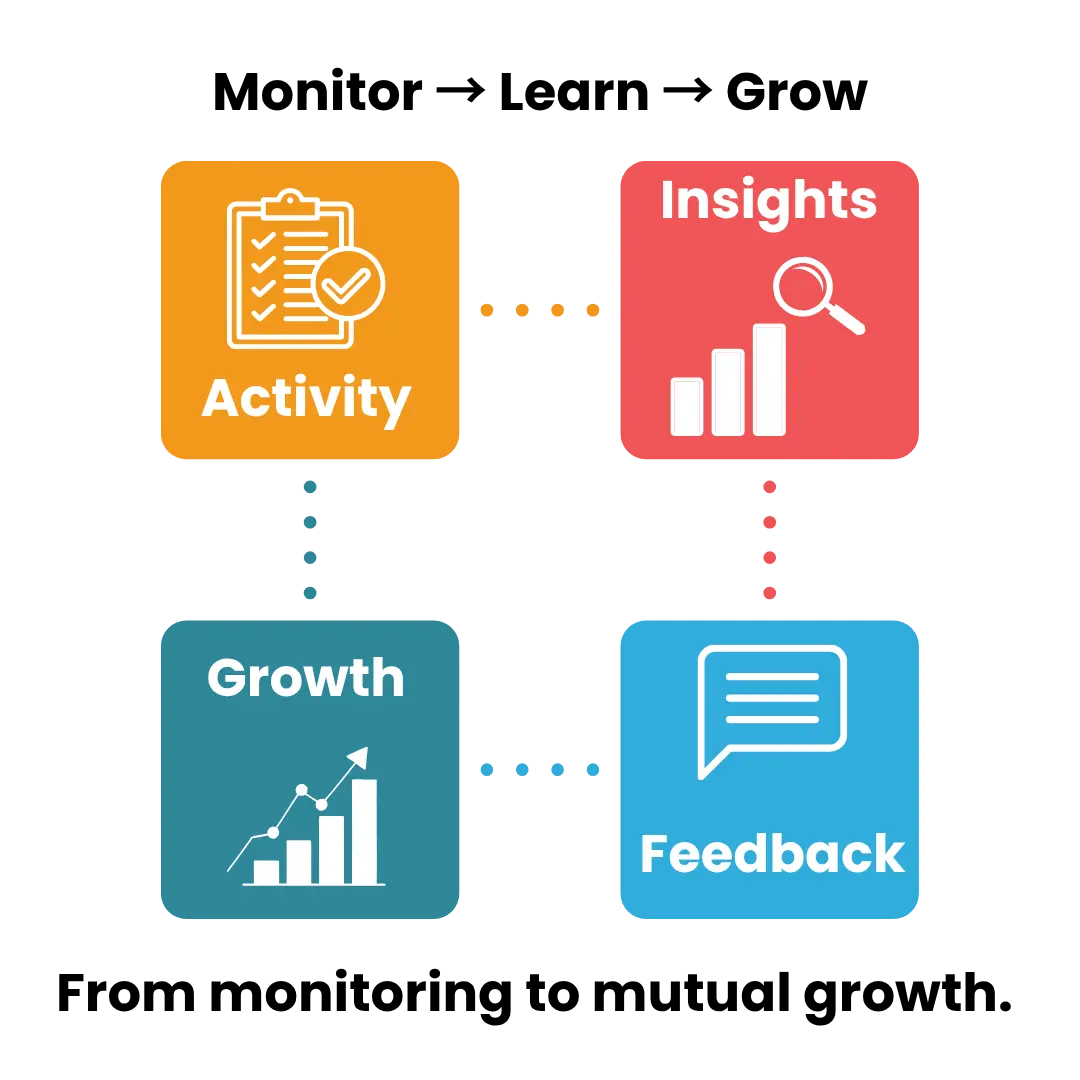
Unlike the old approach, today’s solutions deliver real-time analytics that help both managers and employees grow, ethically and efficiently.
Real-Time Insights and Patterns
Track app usage, activity trends, and idle vs active time to discover bottlenecks and improve efficiency.
Privacy-First Design
Screenshots and data are stored securely with role-based access controls, ensuring visibility without exposing sensitive information..
Empowerment, Not Surveillance
Employees can log in to their dashboards to view their own summaries, building trust and ownership.
Stop Guessing, Start Growing.
Is your team actually productive, or just “active”? Get the data you need to support your remote workforce without the “Big Brother” vibes.
Traditional Surveillance Tools vs Ethical Monitoring Software
As organizations move toward remote and hybrid work, many leaders are rethinking whether constant surveillance actually improves productivity, or quietly harms trust. Here’s a simple comparison between traditional monitoring tools and modern, ethical alternatives.
| Factor | Traditional Surveillance Tools | Ethical Monitoring Software (Like SuperSee) |
|---|---|---|
| Monitoring Method | Frequent screenshots, screen recording, keystroke logging. | Activity patterns, app usage insights, and productivity trends. |
| Employee Experience | Feels intrusive and stressful; creates constant pressure. | Transparent and respectful; employees know what’s being tracked. |
| Impact on Trust | Often damages trust and increases attrition. | Transparent and respectful; employees know what’s being tracked. |
| Privacy Approach | “Monitor everything” mindset. | Privacy-first design with configurable visibility levels. |
| Legal & Compliance Risk | Higher risk if consent and data handling are unclear. | Designed to align with GDPR, CCPA, and DPDP Act principles. |
| Productivity Insights | Focuses on surveillance, not outcomes. | Focuses on work patterns, focus time, and output. |
| Manager Behavior | Encourages micromanagement. | Encourages outcome-based performance management. |
| Scalability for Remote Teams | Hard to scale without morale loss. | Designed for modern remote and hybrid teams. |
| Use Case Fit | Short-term control, high-risk environments. | Long-term productivity, trust-driven teams. |
| Modern Workplace Readiness | Outdated approach rooted in control. | Built for ethical, transparent, and distributed workforces. |
This shift toward ethical monitoring is why many companies are now searching for privacy-first employee monitoring software instead of screenshot-based tools.
Why Ethical Design Matters in Monitoring Software
Trust and transparency separate ethical tools from intrusive ones.
Transparency Builds Trust
When employees know what’s tracked and why, they’re more likely to embrace visibility as a performance enabler. Compliance and Consent
SuperSee follows a privacy-by-design model, aligned with its GDPR-compliant posture, and supports consent-based deployment modes (General and Stealth).
Is Screen Monitoring Software Legal to Use?
The short answer is yes. In most jurisdictions, including the United States, United Kingdom, European Union (GDPR), and India (DPDP), employers have a legal right to monitor activities on company-owned devices and networks for legitimate business interests.
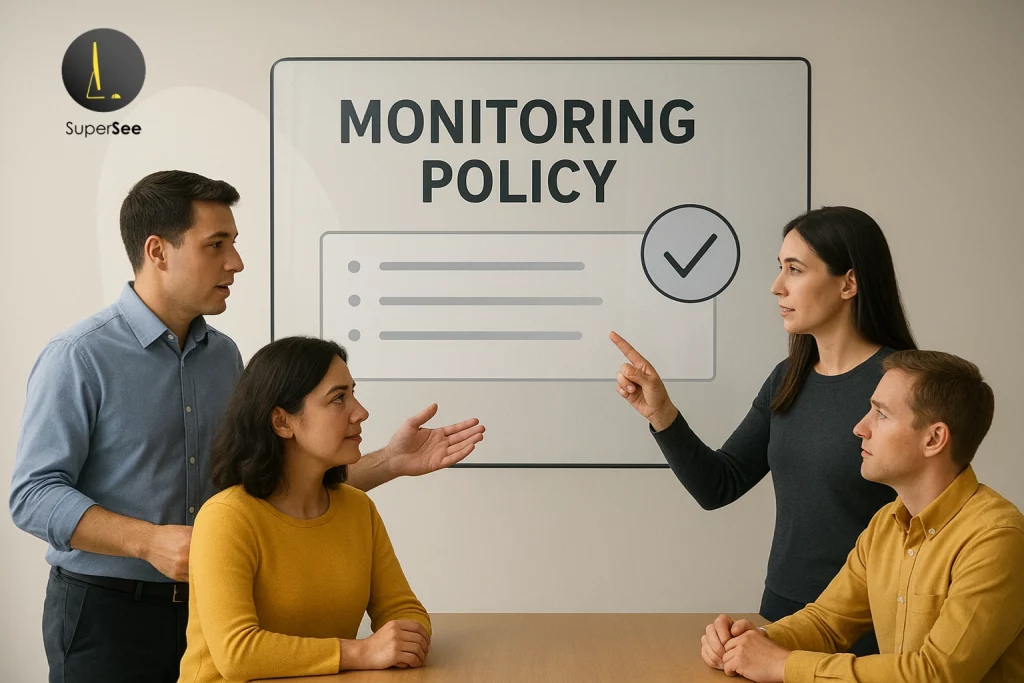
However, for monitoring to be both legal and ethical, it must meet three specific criteria:
- Transparency: Employees should be notified via a written policy or employee handbook that monitoring is in place.
- Privacy-by-Design: Data collection should be limited to work-related activity. Tools like SuperSee help maintain compliance by allowing “Stealth” or “General” modes and providing role-based access to sensitive data.
- Data Security: Captured screenshots and activity logs must be encrypted. Under GDPR and CCPA, employees have the right to know how their data is stored and who has access to it.
Note: Always consult with your legal department to ensure your monitoring policy aligns with local labor laws.
How Does Screen Monitoring Work?
Modern screen monitoring software operates as a lightweight application on the employee’s computer. It functions through a three-step process:
- Activity Capture: The software tracks “active” windows and keyboard/mouse movement to distinguish work from idle time.
- Smart Screenshotting: Instead of constant recording, the software takes periodic screenshots (e.g., every 10 minutes) or app-triggered captures when a specific program is opened.
- Insight Generation: This data is synced to a secure cloud dashboard where it is turned into visual reports, showing productivity trends without requiring a manager to watch a live feed.
SuperSee’s Approach – Visibility Without Overreach
SuperSee represents the next generation of ethical screen monitoring, combining visibility with privacy. It’s designed to help organizations gain insight into productivity without crossing ethical or legal boundaries.
Smart Screenshot Modes – Live, Periodic, or On-Demand
Modern monitoring isn’t about recording everything; it’s about capturing the right moments that matter.
SuperSee offers flexible screenshot modes to balance visibility and trust:
- Live Screencast: Authorized admins can view an employee’s screen in real time for troubleshooting, audits, or coaching, not continuous surveillance.
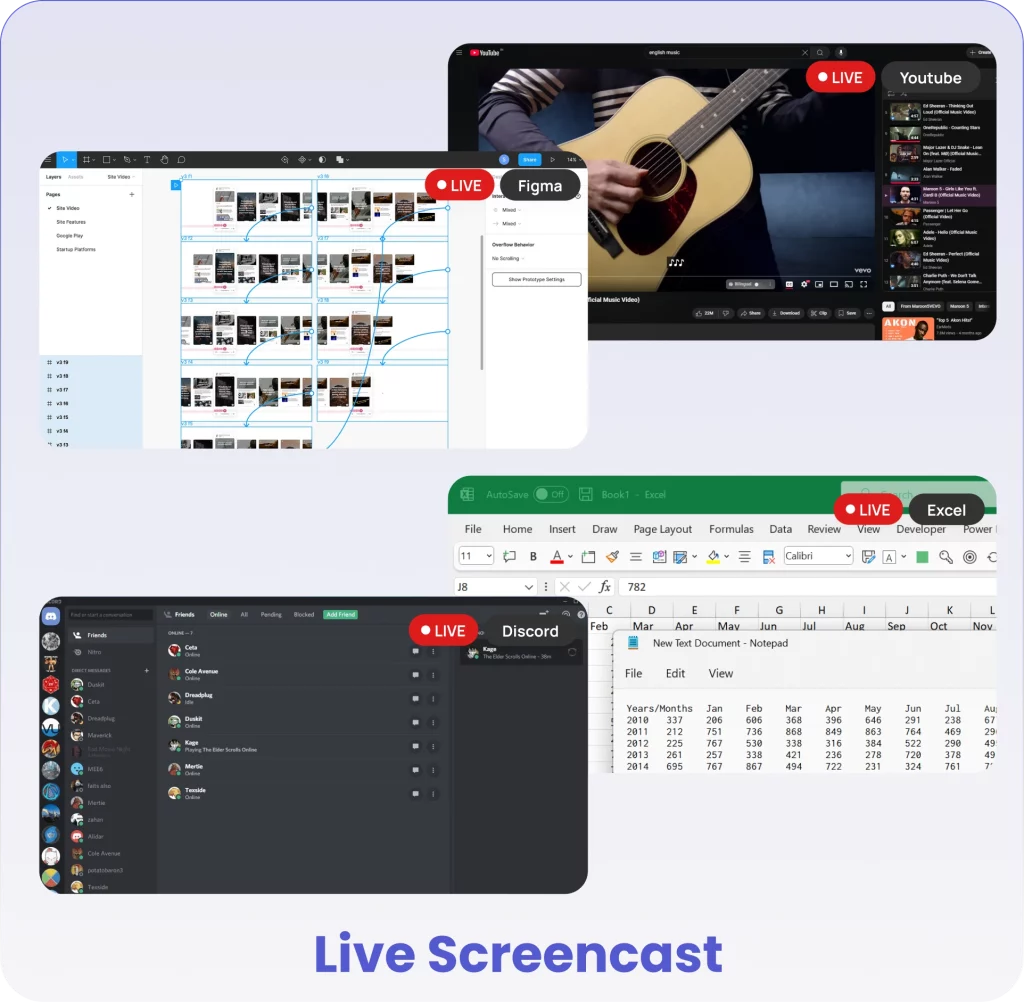
- Periodic Screenshots: Capture screenshots automatically at fixed intervals (for example, every 5, 10, or 15 minutes) to provide consistent visibility without excessive data collection.
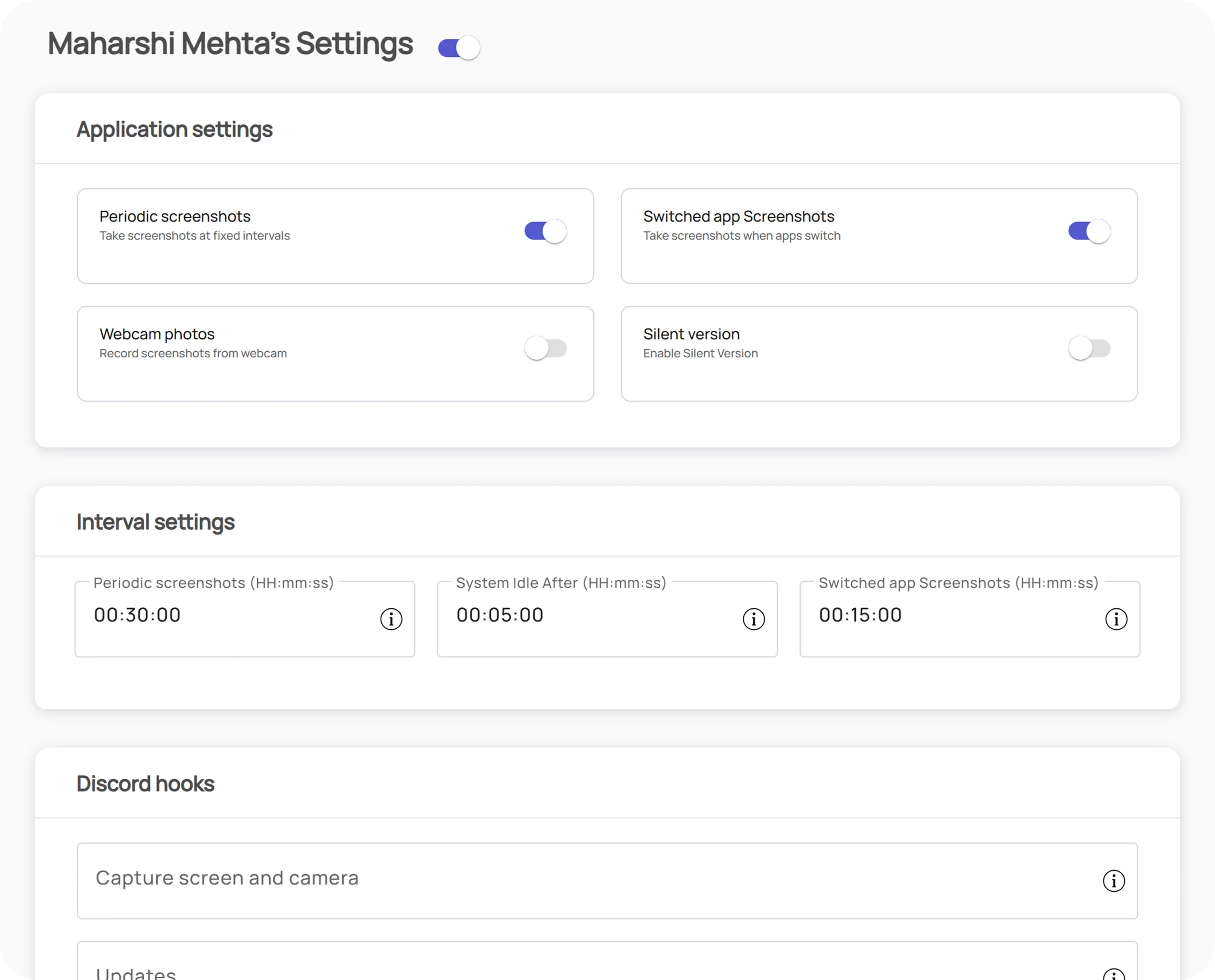
- App-Triggered or On-Demand Screenshots: Take contextual captures when a user switches to key apps or upon specific admin request, perfect for task verification or compliance checks.
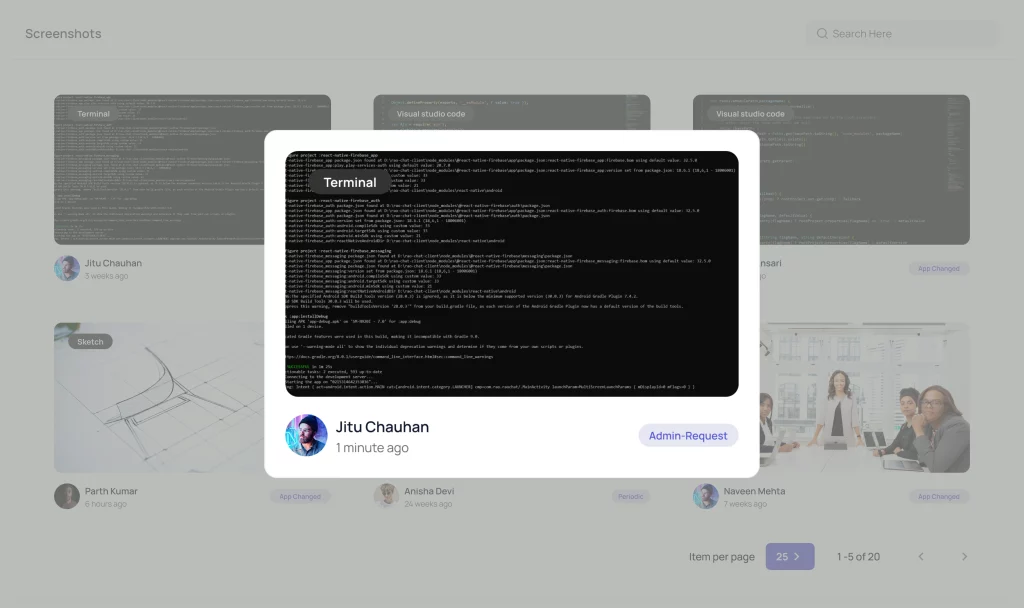
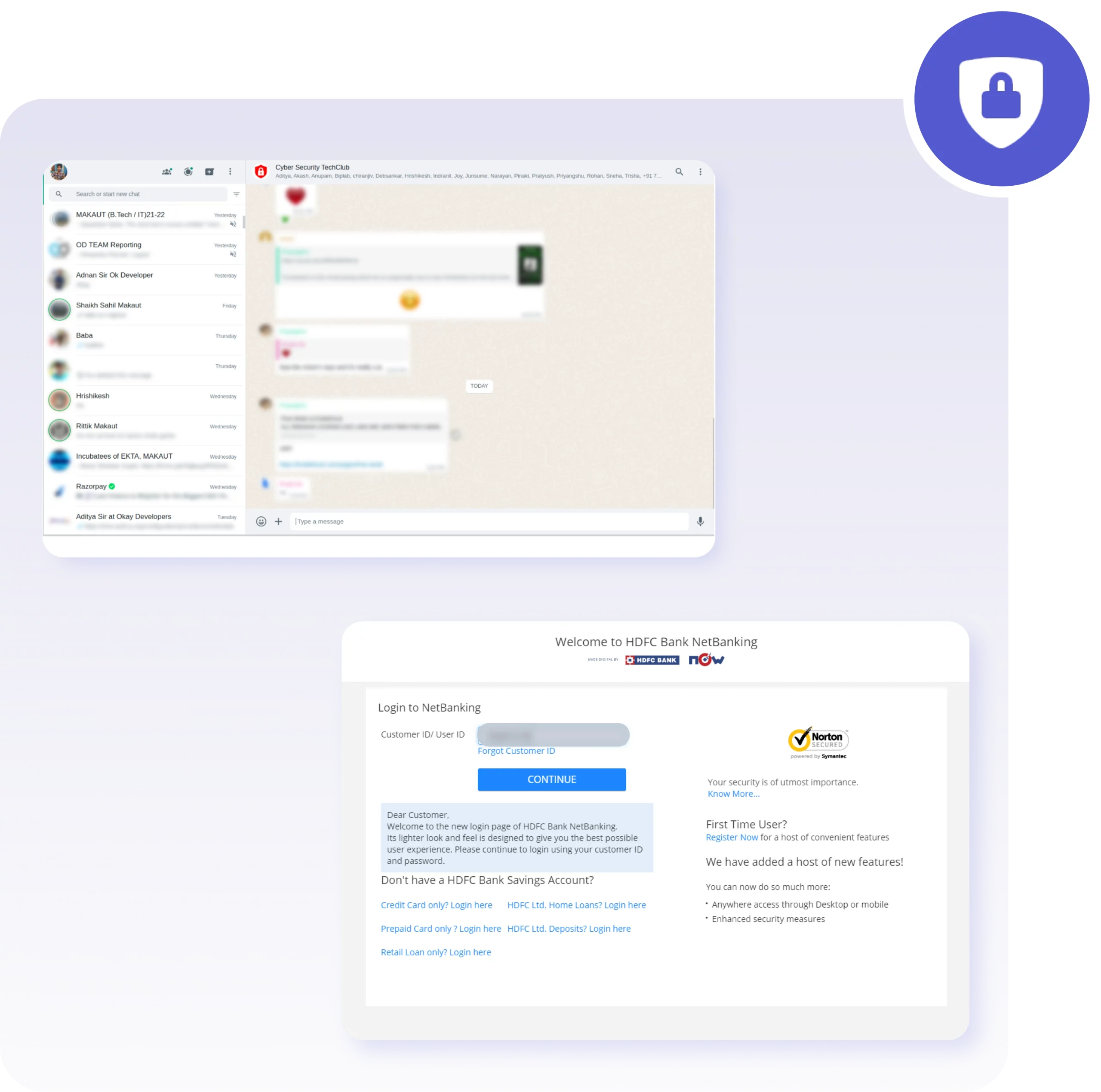
All screenshots are secured with industry-standard encryption and role-based access permissions, maintaining privacy and compliance standards.
Ethical Visibility in Action
- Secure screenshot storage with restricted access
- Transparent employee dashboards for self-visibility
- Role-based access for compliance and audits
Together, these design choices make SuperSee a true privacy-by-design monitoring solution, one that supports productivity without overreach.
Real-World Example
A hybrid design team used SuperSee to identify collaboration gaps and optimize workflow time without micromanaging. By analyzing active-app patterns and using periodic screenshots, they improved project visibility and delivery consistency.
Related reading: Enhancing Productivity while managing a Remote Workforce
Choosing the Right Screen Monitoring Software
Choosing the right solution means finding balance, visibility without overreach.
What to Look For
- Transparent communication about the monitoring scope.
- Secure screenshot storage with access control.
- Real-time activity analytics and insights.
- Role-based access management.
- Offline capture and secure syncing options.
Must see reference: TechRadar – Best Employee Monitoring Software of 2025
FAQs
Screen monitoring software tracks employee activity on computers to understand how work happens. Modern tools like SuperSee include real-time analytics, screenshots, and time tracking, all designed ethically with privacy safeguards.
Yes, when used in line with company policy and local data protection laws.
SuperSee supports configurable monitoring modes and keeps all data encrypted and access-controlled, avoiding invasive methods such as keystroke logging or webcam feeds
Absolutely. For hybrid or remote teams, screen monitoring software bridges the visibility gap, helping managers understand workload balance and project progress. At the same time, ensuring employees are evaluated fairly, based on data and surveillance.
Traditional monitoring captures only screenshots, providing limited, often misleading context. Modern screen monitoring software measures activity trends, idle time, and task focus, ensuring teams are evaluated on performance, not surveillance.
Final Thoughts – Monitoring for People, Not Control
Monitoring shouldn’t feel like surveillance. When done transparently, it helps teams stay accountable, managers stay informed, and organizations stay productive.
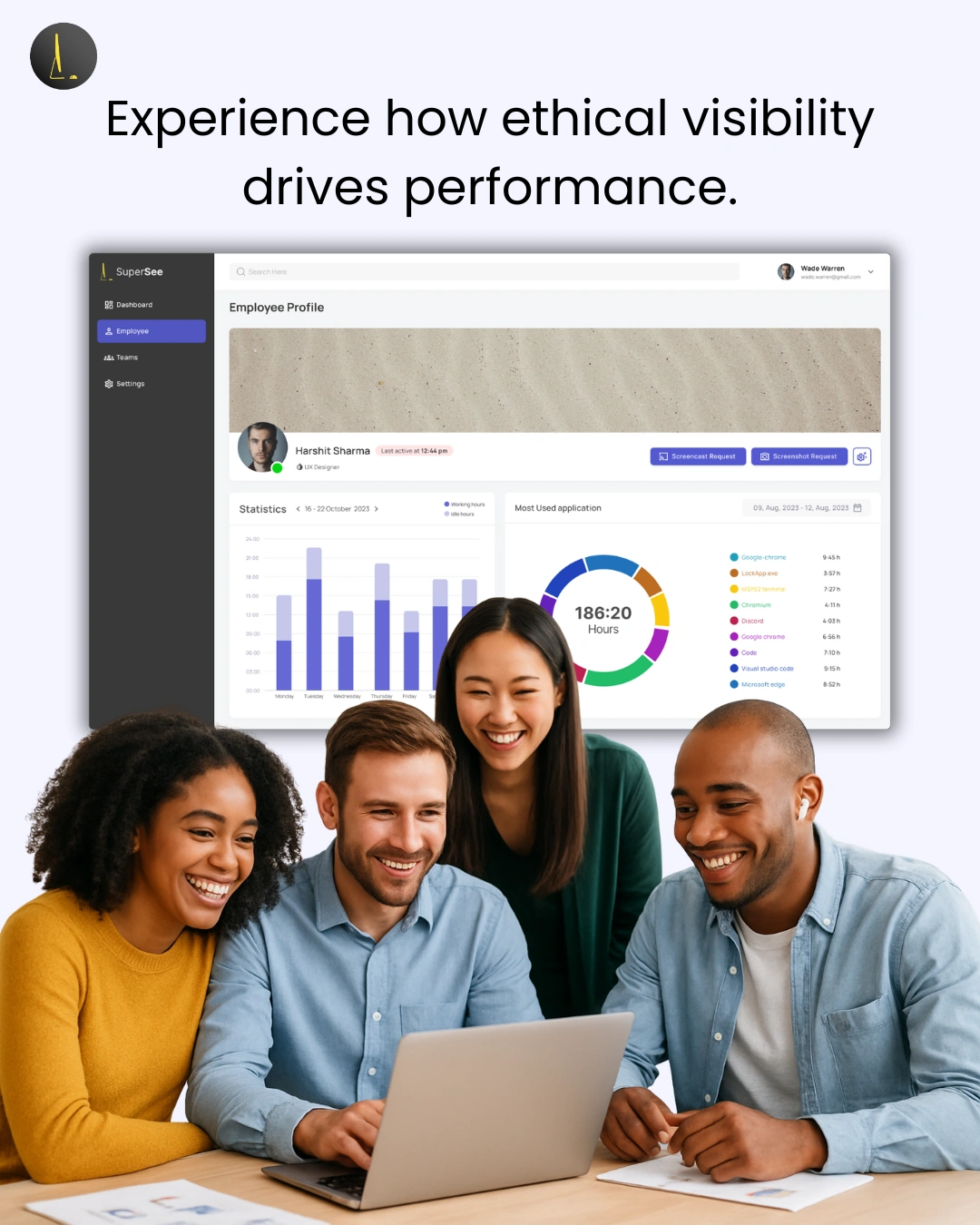
Experience how ethical visibility drives performance.
Book a Free Demo with SuperSee → supersee.io
Unlock Advanced Employee Monitoring with SuperSee!
Start your 14-Day free trial now
Explore our features like real-time activity monitoring, customizable alerts, and detailed productivity reports.