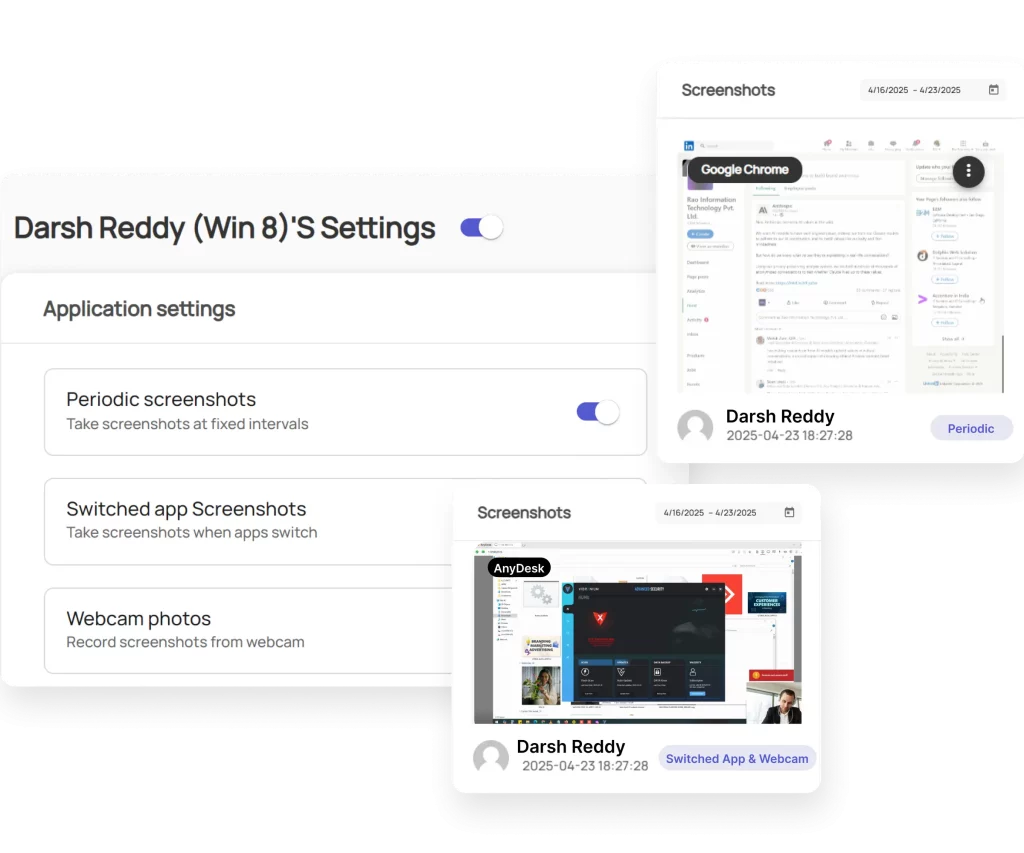
How to Configure SuperSee Settings?
SuperSee gives you flexible monitoring options. You can apply settings globally (for all employees) or individually (per employee).
 Whenever personalized settings are enabled for an employee, a purple gear icon
  will appear in the Employee List.
 Global Settings (Company Level)
From the Settings page, you can configure: